AI & Search
What AI actually reads when it visits your website
A chatbot summarising your business, and Google deciding where to rank you, are both reading the same thing, and it is not the page you designed. It is the markup underneath it.
Open your website and you see a photograph, a headline, your phone number in the corner. Open the same page as a machine does and none of that exists. There is a title, some headings, a paragraph or two of text, and a list of links. That is the whole picture. Everything else, the layout, the colours, the photography you paid for, is invisible.
This matters more than it used to. For twenty years the only machine reading your site was a search engine deciding where to rank you. Now there is a second audience: the assistants people ask "who does website repair near me?" and then act on the answer without ever seeing a results page. Both are reading the same underlying markup. If it is thin, you are missing from both.
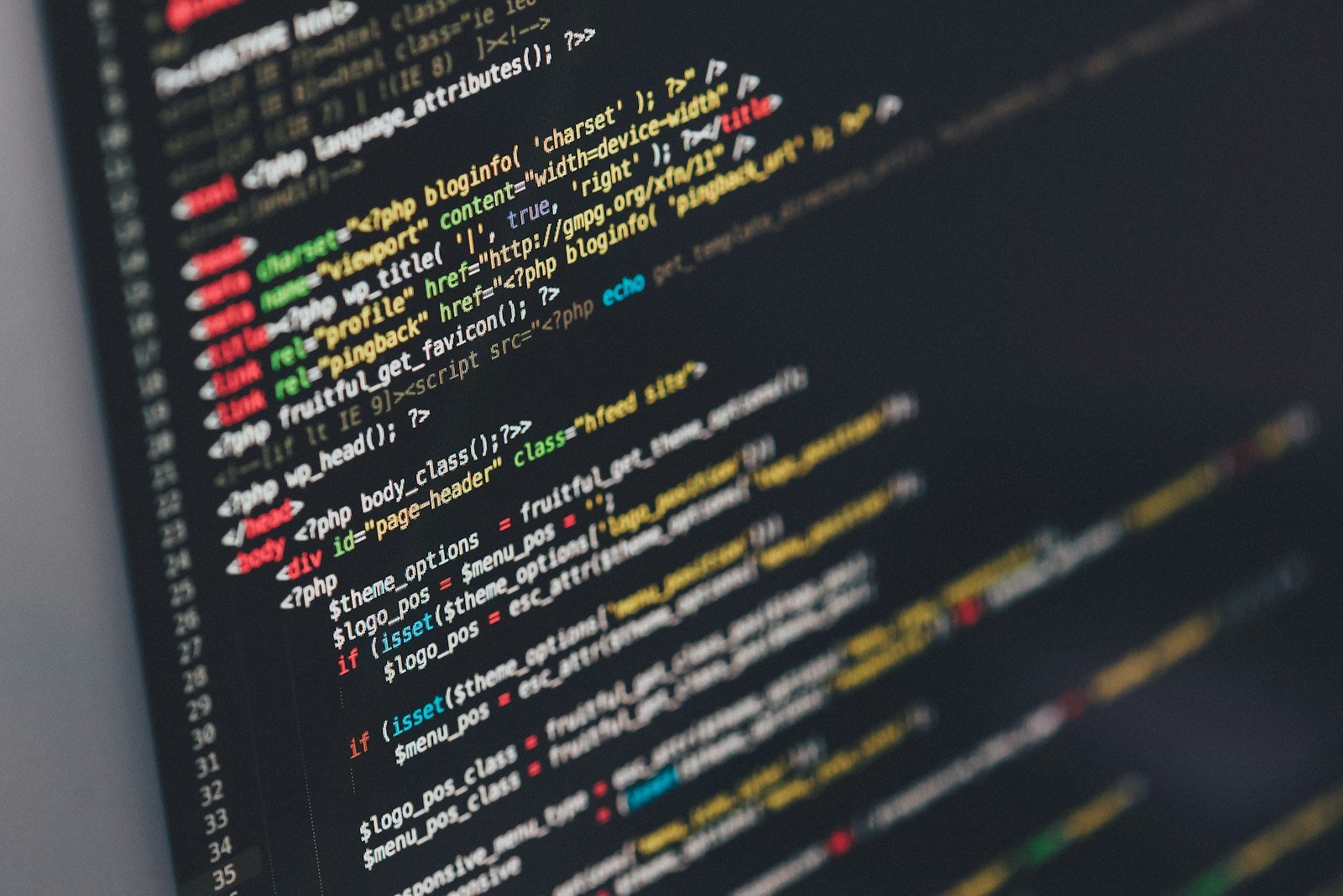
The four things that get read first
When our inspection crawls a site, these are the four it checks before anything else, because they are the ones a machine reads before anything else.
1. The page title
The <title> is the single strongest signal on the page. It is the blue
headline in a Google result and the name in the browser tab. It is also, on a
surprising number of sites, the word "Home", which tells a machine, and a person
scanning ten results, precisely nothing.
2. The description
The grey line underneath the headline in a search result. If you do not write one, the search engine invents it from whatever text it can find, which is often your cookie banner or your navigation menu. You had one chance to make the case for clicking and you gave it away.
3. The heading structure
Headings are the outline of the page, and machines read them as such. One
<h1> saying what the page is about, then <h2>s for
each section beneath it. What breaks this is using headings for their size rather than
their meaning, like a designer picking <h3> because it looked right,
leaving a page whose outline reads like a book with no chapter titles.
4. The image descriptions
Every image can carry a written description, its alt text. It is read aloud to
blind visitors, and it is the only way anything non-human knows what a picture shows.
A page of beautiful photography with no descriptions is, to a machine, a page of
nothing at all.
None of these four are design decisions and none of them change how your site looks. They are all text in the markup underneath. That is why a site can score badly on all four and still look completely fine, and why the fix is usually measured in hours, not a rebuild.
What this looks like in practice
Here is the same page, twice. First as most sites have it:
<title>Home</title>
<h1>Welcome</h1>
<img src="van.jpg">
And then as a machine can actually use:
<title>Emergency Plumber in Toronto, 24hr Callout | Name</title>
<h1>Emergency plumbing across Toronto, day or night</h1>
<img src="van.jpg" alt="Our callout van outside a house in Leslieville">
Identical to look at. Completely different to anything reading it. The second version can be ranked, quoted and recommended; the first can only be looked at.
Where to start
If you want to check your own site by hand, work down in this order. It is roughly the order of how much each one costs you:
- Give every page its own title, with the thing people search for near the front.
- Write a description for every page you would be happy to have found.
- Make sure each page has exactly one
<h1>, and that it says what the page is about. - Add a description to every image that carries meaning.
- Check that your site loads over https and that the insecure version forwards to it.
That list will not make a bad website good. What it will do is make a good website findable, which is a different problem and a much cheaper one to fix.
If you would rather not go through it by hand, the free inspection does all of the above and about three hundred other checks, and emails you the result. It takes about a minute and does not need an account.